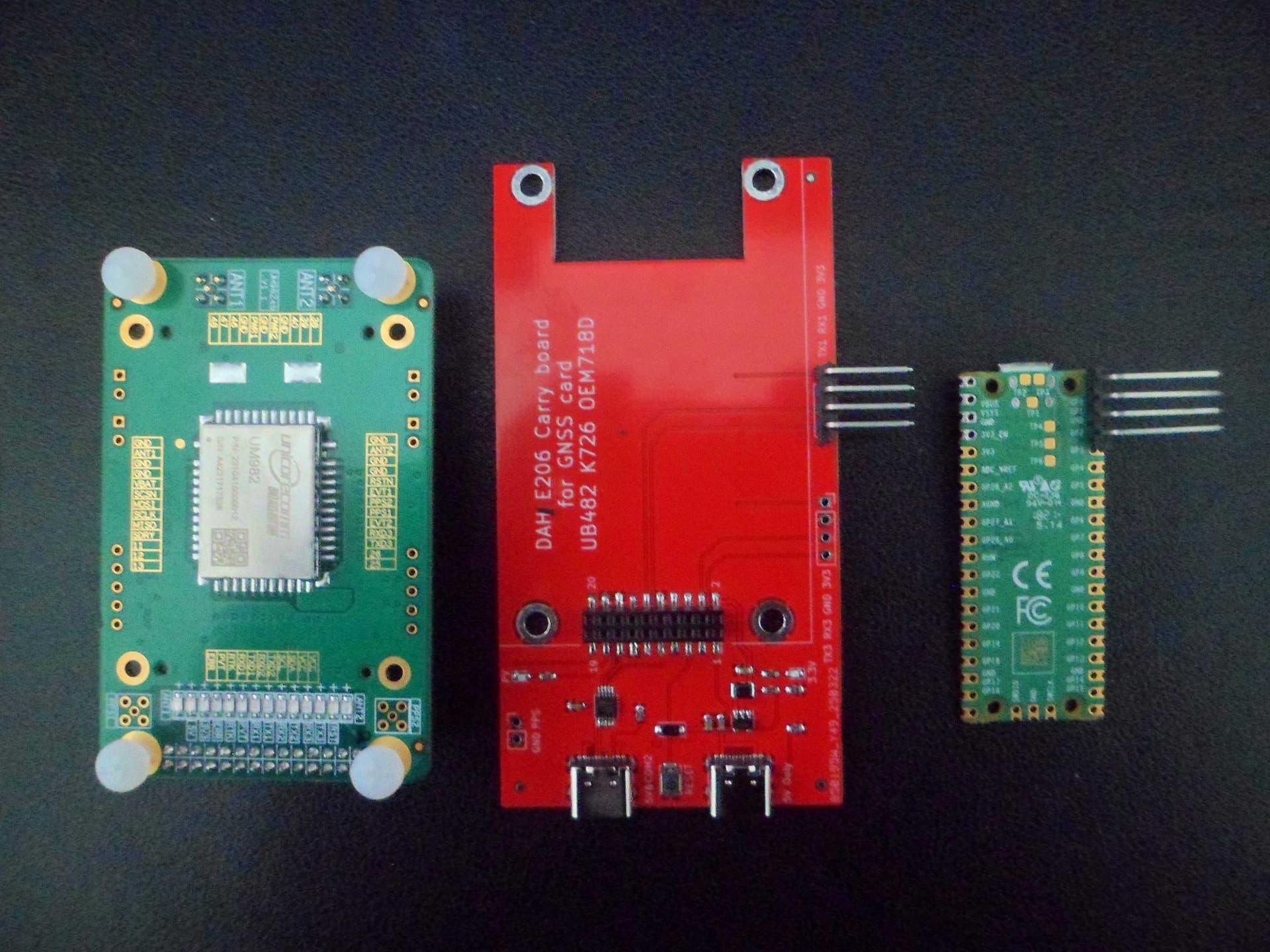
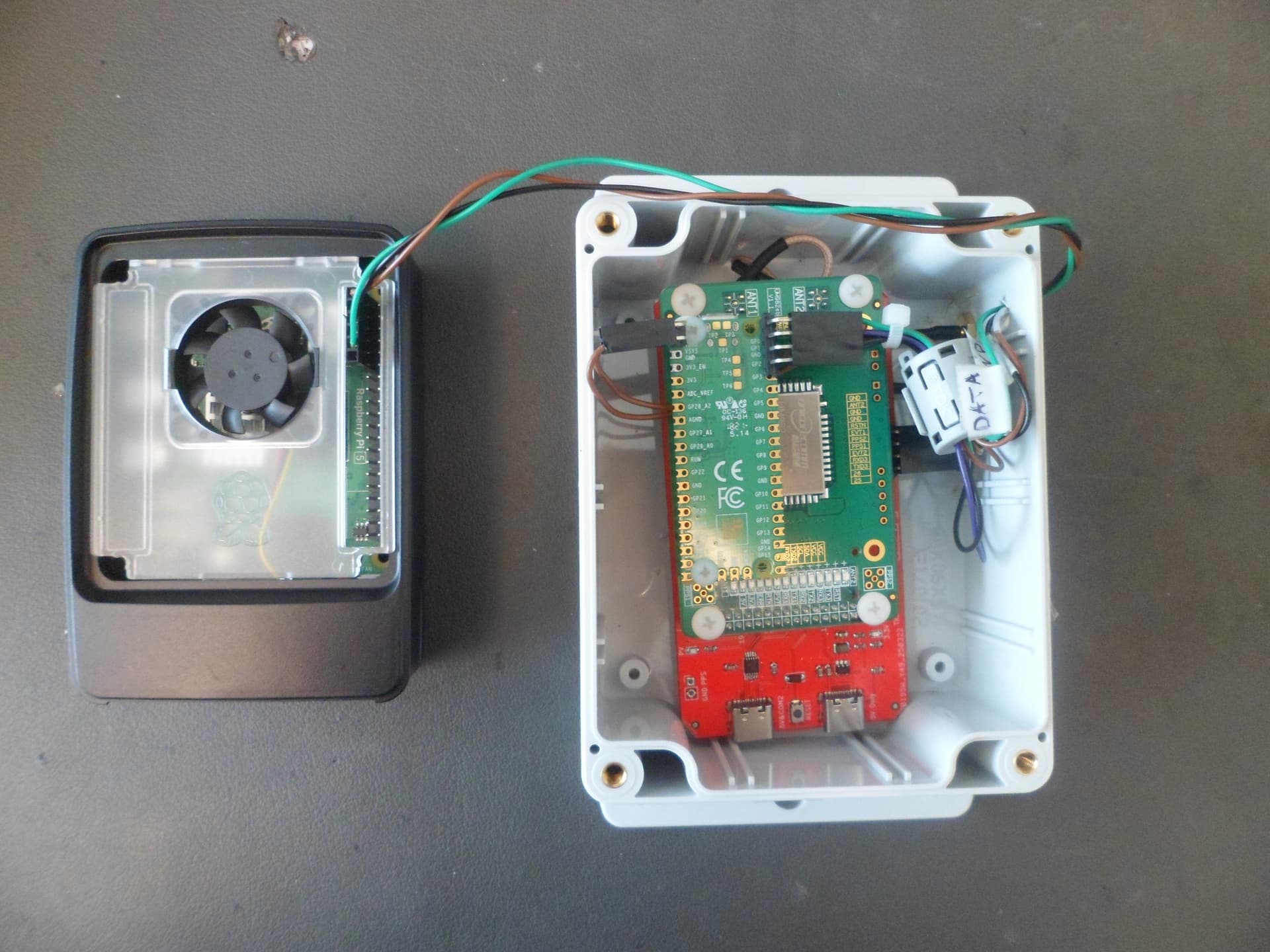
Above: On the left is the UM982 GPS board, center is the Carry Board that mounts the UM982, and on right is the Raspberry Pi Pico and takes the GPS signals and sends them to the Raspberry Pi5.
Greetings to all Kraken users!
Now some questions about the Kraken soft have moved from a private conversation to a public space. Diesel_Tech wrote: «The bug is that if the Kraken is not detecting any signals above the squelch threshold, only your location point updates on the map, and the DOA lobes, bearing lines and log file plots stay at the last place it detected a signal at. So, you can drive 5 miles, and it will look like you haven’t moved. it seems that you have not moved from your place».
At this point, I want to ask the developers of the Kraken software. Is this a software error or such a strange logic? I am asking this question because my DATHFK does not change the logic of the software in any way. I’m only doing an unconditional substitution of the HEADING value (and of course I’m transmitting GPS data from Pi5).
Hi everybody.
I noticed that the beta tester Diesel_Tech sometimes has problems getting heading in the app. For some reason, the data from the DATHFK device is always correct in the web interface, and there are strange delays in the application. I will not write anything about the operation of the application, but I will describe a way to solve this problem.
Briefly it is done like this. In my DATHFK device, you can use either Pico or Pico W. If you have a Pico W, then I have written special software for this controller that works like bluetooth GPS.You need to install the “GNSS Commander” application version 2.6.0.2 on your Android tablet or smartphone. This application replaces all location data for all applications on your tablet or smartphone.Next, I just pair my smartphone with my DATHFK using Bluetooth. Now any smartphone application uses my position and heading data and does not use data from the smartphone’s built-in GPS receiver. This works well for Google Maps, the Kraken app, and other apps. In the Kraken application, the GPS source for heading is selected, and the location and heading now shows perfectly from my DATHFK device.There are now two ways to transfer location and heading data to the application.