Hi everyone,
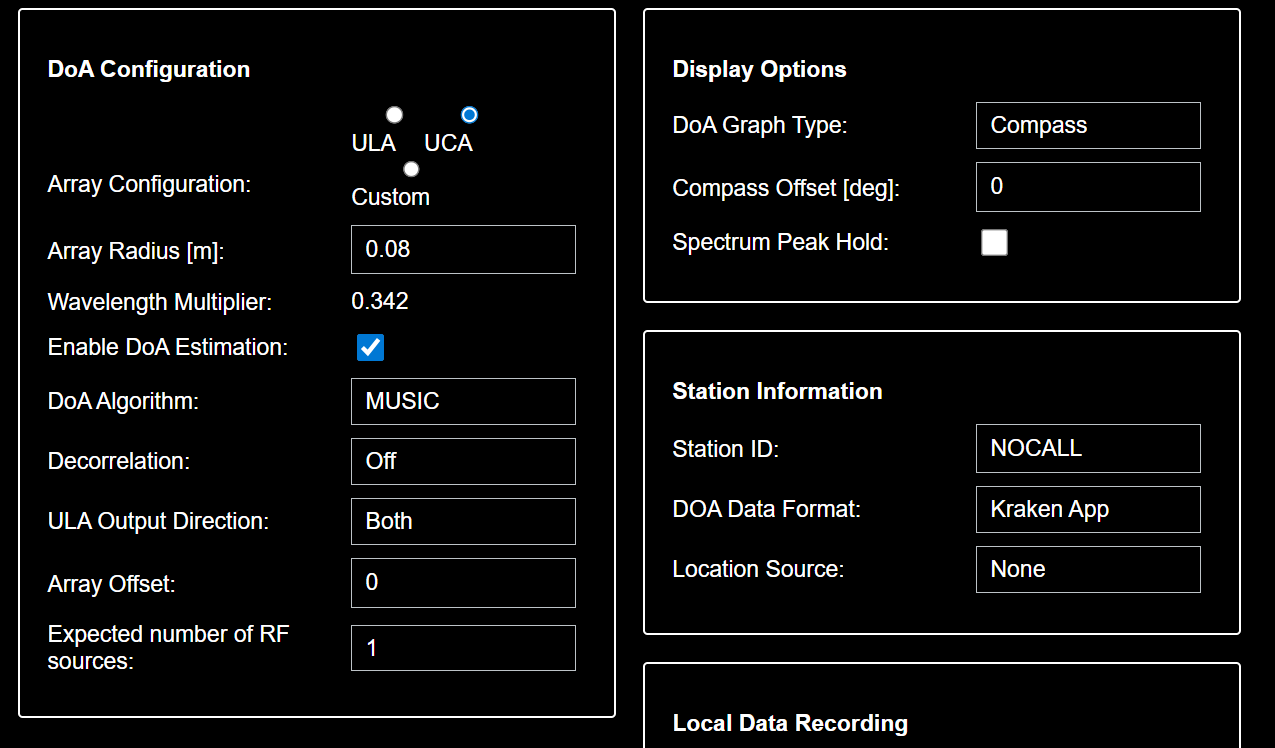
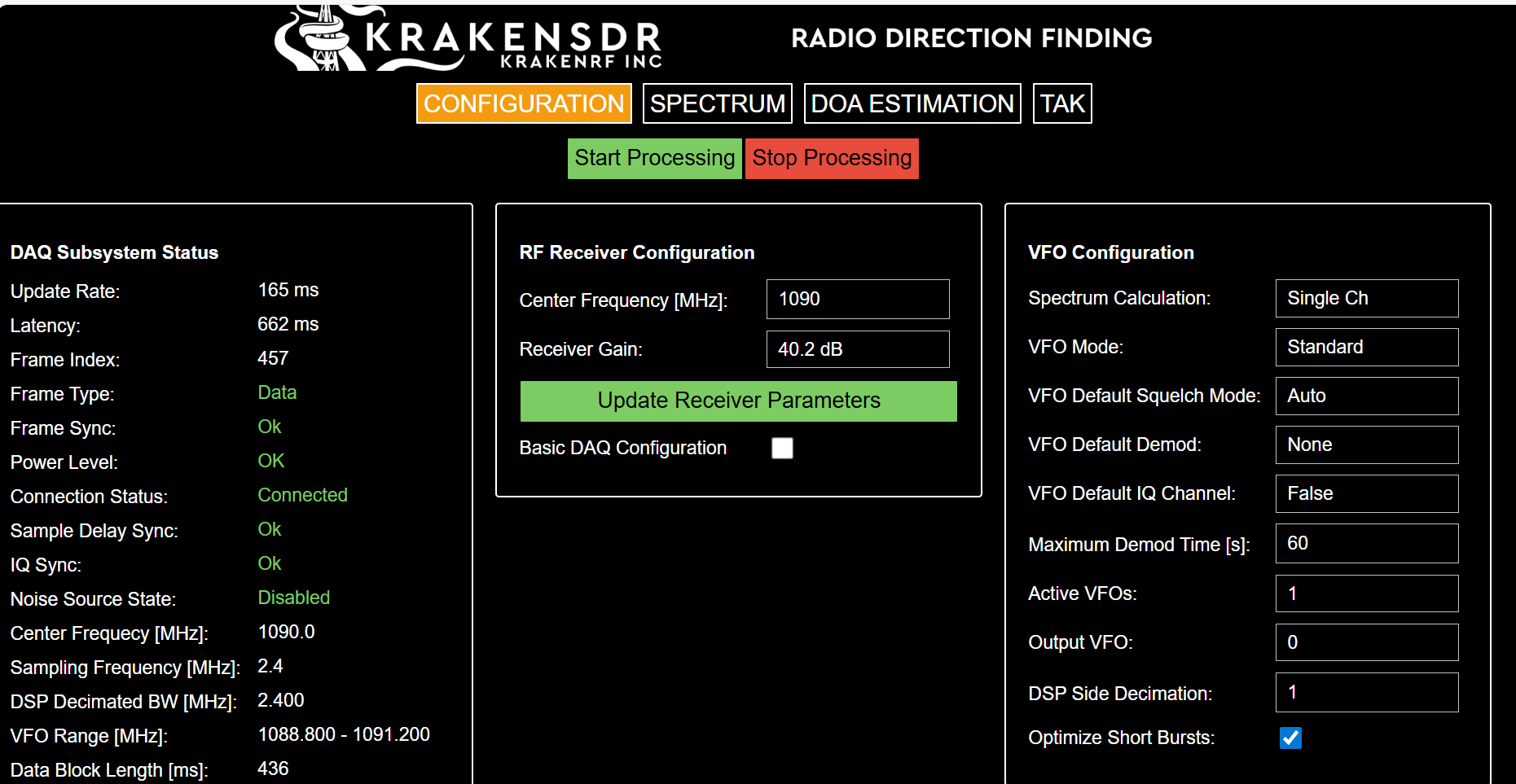
I am working on a Machine Learning project and I need to record Raw IQ data (complex64) from my KrakenSDR. I am using the latest software version on a Raspberry Pi 5.
I have followed the DeepWiki instructions:
-
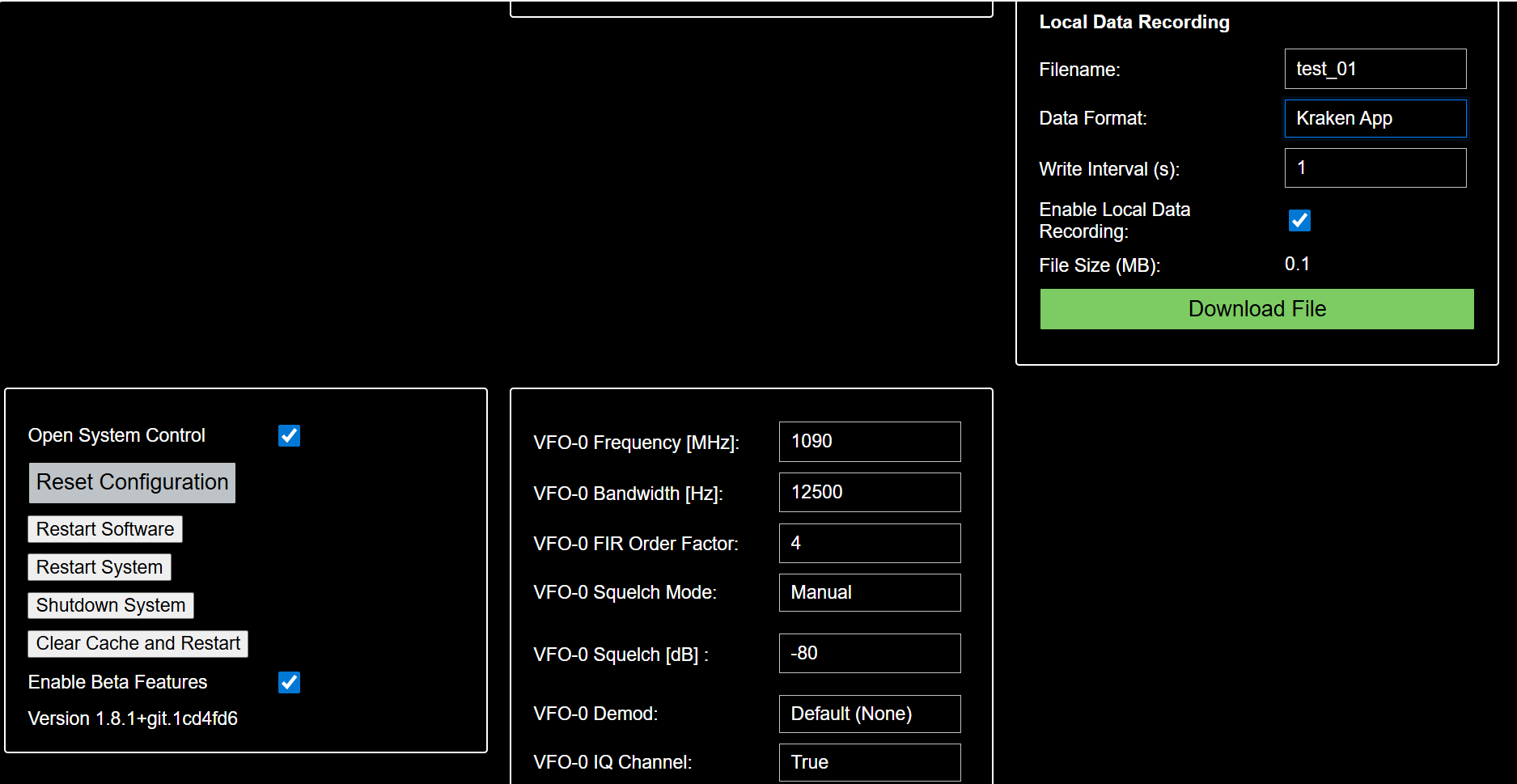
Enabled “Beta Features” in System Control.
-
Set “VFO-0 IQ Channel” to True.
-
Reconfigured and restarted the DAQ chain.
However, in the “Local Data Recording” section, the “Data Format” dropdown only shows “Kraken App”.
My questions are:
-
Is the
.iqfile being recorded automatically in the background even if the dropdown doesn’t show “Raw IQ”? -
Is there a way to confirm the raw recording is active from the Web UI?
-
Are there any CLI alternatives (command line) to record raw data directly to an external SSD to avoid Web UI overhead?
Thanks in advance for your help!